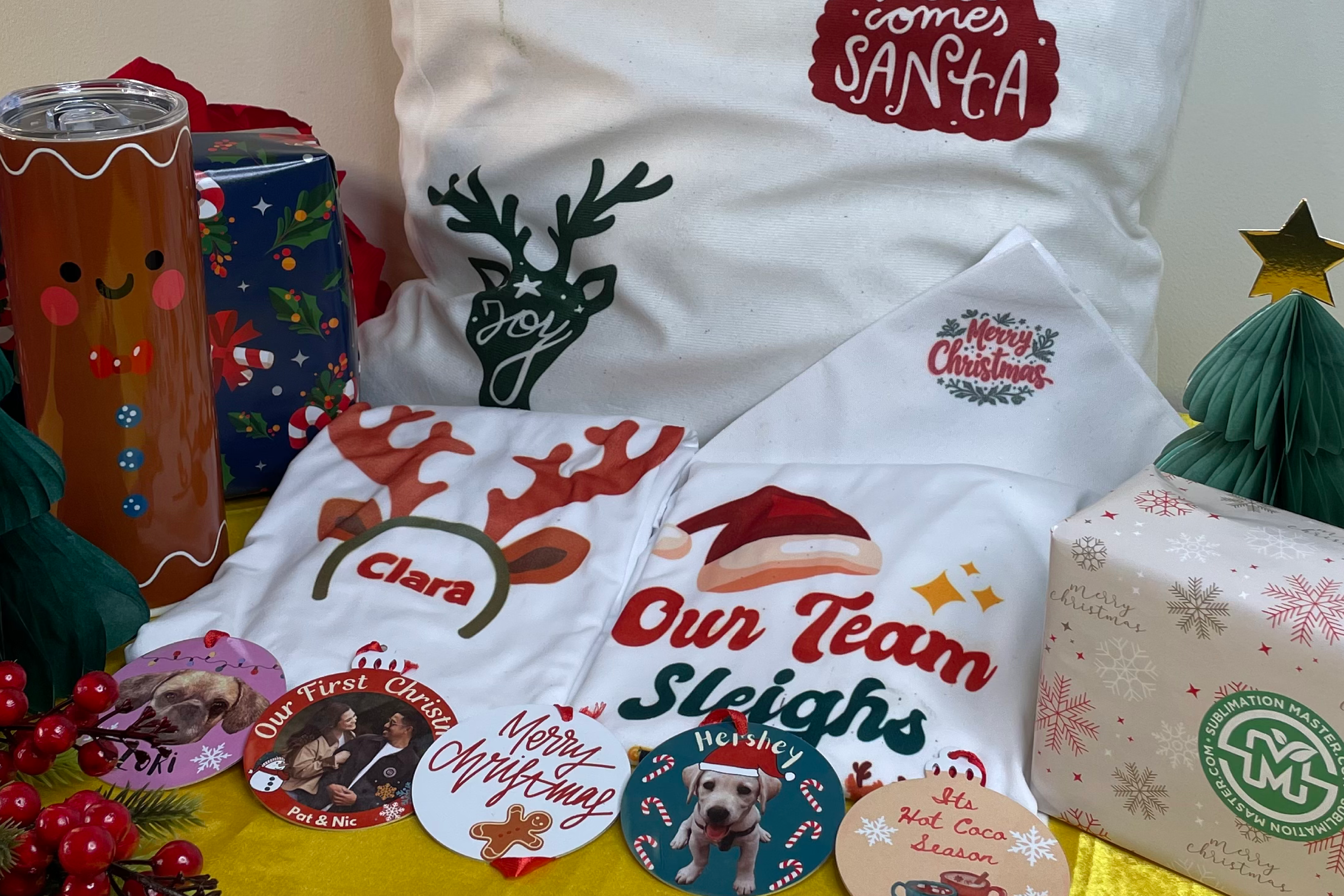
Sublimation printing is fun, until the colors turn dull, the design shifts, or the blank comes out looking nothing like what you expected. Don’t worry, you’re not alone! Every beginner (and even experienced crafters) runs into the same issues. The good news? Most sublimation mistakes are totally fixable with just a few small tweaks.
In this guide, we’ll walk through the most common sublimation printing mistakes and how to fix them so you can create crisp, vibrant, and consistent results every time. If you’re looking for high-quality blanks and sublimation tools, check out our store, Sublimation Master, for tried-and-tested supplies.
1. Using the Wrong Materials
Not all materials work for sublimation printing. You need polyester fabrics or polymer-coated hard blanks. If your print looks faded, dull, or barely transfers, chances are the item wasn’t sublimation-ready.
How to fix it:
-
Choose shirts with at least 65% polyester for bright results
-
Use certified sublimation blanks
-
Check for polymer coating on mugs, tumblers, MDF, or metal plates
2. Incorrect Color Settings
If your pressed image doesn’t match your design, your color settings may be off. Sublimation requires color profiles to accurately translate digital colors into printed colors.
How to fix it:
-
Install the correct ICC profile for your printer and ink
-
Always mirror your design before printing
-
Use design software settings made for sublimation (like RGB workspace)
3. Too Much or Too Little Pressure
Pressure matters more than you think. Low pressure leads to blurry or faded prints, while high pressure can cause lines, wrinkles, or uneven transfers.
How to fix it:
-
Adjust your heat press one product type at a time
-
Light pressure for fragile blanks
-
Medium to firm pressure for shirts and coated items
4. Wrong Temperature or Time
Sublimation needs the right combination of heat and time. Under-pressing results in washed-out colors. Over-pressing causes scorching or color shifting.
How to fix it:
-
Check the recommended settings for each blank
-
Typical settings: 365°F (185°C) – 400°F (204) °C for 45–90 seconds, depending on the item
-
Test one blank first before doing a full batch
5. Ghosting and Blurry Designs
Ghosting happens when your paper shifts during pressing. It creates a faint duplicate of your design, super annoying but easy to avoid.
How to fix it:
-
Use heat tape or repositionable adhesive spray
-
Make sure your heat press lifts straight up
-
Hold the paper firmly when removing it to avoid movement
6. Moisture Problems
Moisture ruins sublimation prints by creating spots, fading, or uneven color. Humidity affects how sublimation paper absorbs and releases ink.
How to fix it:
-
Pre-press garments for 5–10 seconds to remove moisture
-
Store your sublimation paper in a dry space
-
Avoid touching the coated side of the paper
7. Using Low-Quality Sublimation Paper
Cheap paper may not release ink properly, causing faded or inconsistent prints.
How to fix it:
-
Use paper specifically designed for sublimation
-
Check if your paper matches your printer and ink
-
Avoid paper that curls, bleeds, or dries too slowly
8. Wrong Sublimation Ink or Mixing Brands
All inks are not created equal. Mixing different ink brands can give unpredictable results and clog your printer.
How to fix it:
-
Stick to one ink brand
-
If switching inks, flush your printer lines first
-
Use ink that’s compatible with your printer model
9. Design Placement Mistakes
A perfectly printed design still looks off if it’s not centered or placed correctly.
How to fix it:
-
Use templates, center rulers, or alignment guides
-
Mark your placement lightly on the shirt using a heat-safe pencil
-
Tape your print securely before pressing
10. Removing Transfer Too Early or Too Late
Peeling too early may cause ghosting, while peeling too late may leave residue.
How to fix it:
-
Follow the recommended peel type for the blank (hot, warm, or cool peel)
-
Keep the blank stable until fully cooled if required
-
Don’t rush, timing matters
Conclusion
Sublimation printing is a learning process, and mistakes are simply part of the journey. With the right materials, proper heat press settings, and a little practice, you’ll start producing bright, crisp, and professional-looking prints in no time. Keep experimenting, stay patient, and enjoy the process of mastering your craft.
FAQ Section
1. Why do my sublimation prints look faded?
Most likely, your blank isn’t meant for sublimation, or your time and temperature weren’t set correctly.
2. How can I prevent ghosting?
Secure the transfer paper with heat tape and make sure your heat press lifts straight up.
3. Why don’t the colors match what I see on my screen?
Use an ICC profile and remember that colors often look dull on paper but brighten after pressing.
4. Can I sublimate on cotton?
Traditional sublimation only works on polyester. For cotton, use special coatings or sublimation-to-cotton solutions.
5. Why does my paper curl or bleed?
Low-quality paper or high humidity can cause this. Switch to a better sublimation paper and store it properly.